AI Image Generators in 2026: Which to Choose and What to Forget
A tour of every working image generator by the job you actually have: covers and thumbnails, product shots, avatars, post illustrations, and slides. Which one to open for each task, how to get access if a tool is geoblocked where you live, how to write the prompt, and how to fix mangled hands and text. Plus what to drop from last year's advice for good.
You pick an AI image generator by the job. For illustrations and covers, use Midjourney. For an image from a description right in the chat and word-based edits, use ChatGPT or Gemini. For banners and posters with clean text, use Ideogram or Recraft. For a stream of images through your own service, use FLUX via API. Free tiers of Ideogram, Leonardo and Firefly, plus open models like Stable Diffusion running locally, cover a lot at no cost. You don't need to know how to draw – you need to know how to describe a picture in words.
You open an AI tool to make one simple cover for a post. Forty minutes later you have twenty versions, all with crooked fingers and a blurry headline, and still not the one you wanted. You give up, grab a free stock photo, and slap on the same faceless image half your competitors already use. And you decide AI image generators are hype that just doesn't work.
They work. The problem is almost always two things: you grabbed the wrong tool for the job, and you don't know how to ask it. I make visuals for four client projects and my own channel of 20,000 followers, with no staff designer. Below is the whole map: which generator is built for what, how to get to it if it's blocked where you are, and how to squeeze a decent result out of it on the first or second try.
It's a 22-minute read. After it you'll stop poking around blind and open the right tool for each task. You'll save yourself both hours and nerves.
What's inside
- What AI image generators actually do in 2026
- 6 visual jobs an expert has
- The lineup: who's built for what
- A 2-minute way to choose
- How to write a prompt for an image
- Fixing the mess: hands, text, faces, plastic
- What to forget in 2026
- Access and payment when a tool is blocked
- Rights: can you sell them and run ads
- The choosing checklist
Section 01What AI image generators actually do in 2026
First, let's clear the fog. Under the hood, all these generators do one thing: they take your text description and assemble an image out of noise that looks like it. They learned from millions of captioned pictures, so they know what a sunset, a loft, a ceramic mug, and a person in a sweater look like. You speak in words, the model draws. That's the whole trick.
Over the last couple of years quality jumped so far that the naked eye can't tell a good generation from a photo. But every model has its own character, and here's the catch: the same picture comes out differently in different services, and not because one is smarter. They were simply trained for different things. One was fed art stations and lies beautifully; another was fed ad layouts and holds headlines; a third was fed stock photos and turns out clean product shots.
Three things a generator does well
- An image from scratch, from a description. A cover, an illustration, a background, a character, a product scene. The most common case.
- Editing a finished image. Remove an extra object, extend the background at the edges, change the color of a sweater, drop your product into a model's hand. This is called inpainting and outpainting, and in 2026 you do it in words, right in the chat.
- Style and character transfer. Give it a reference picture, ask for something else in the same manner. That's how you build a series with one look: a carousel, a set of stories, a line of covers.
Three things a generator still trips on
Honestly, so you don't bang your head against a wall:
- Exact text. Long copy, small type – half the models fall apart here. Some have learned it (more on them below), but complex typography is easier to finish in an editor.
- Perfect character consistency. The same person across ten different scenes, frame for frame, is still a finicky task. Doable, but with some wrestling.
- Diagrams, charts, infographics with numbers. A generator draws something that "looks like a chart," not a correct one. For tables and diagrams, use real tools, not an image model.
Keep this in mind while you choose. Half of all disappointment comes from asking a hammer to drive a screw. Next I'll lay out who specializes in what.
Section 026 visual jobs an expert has
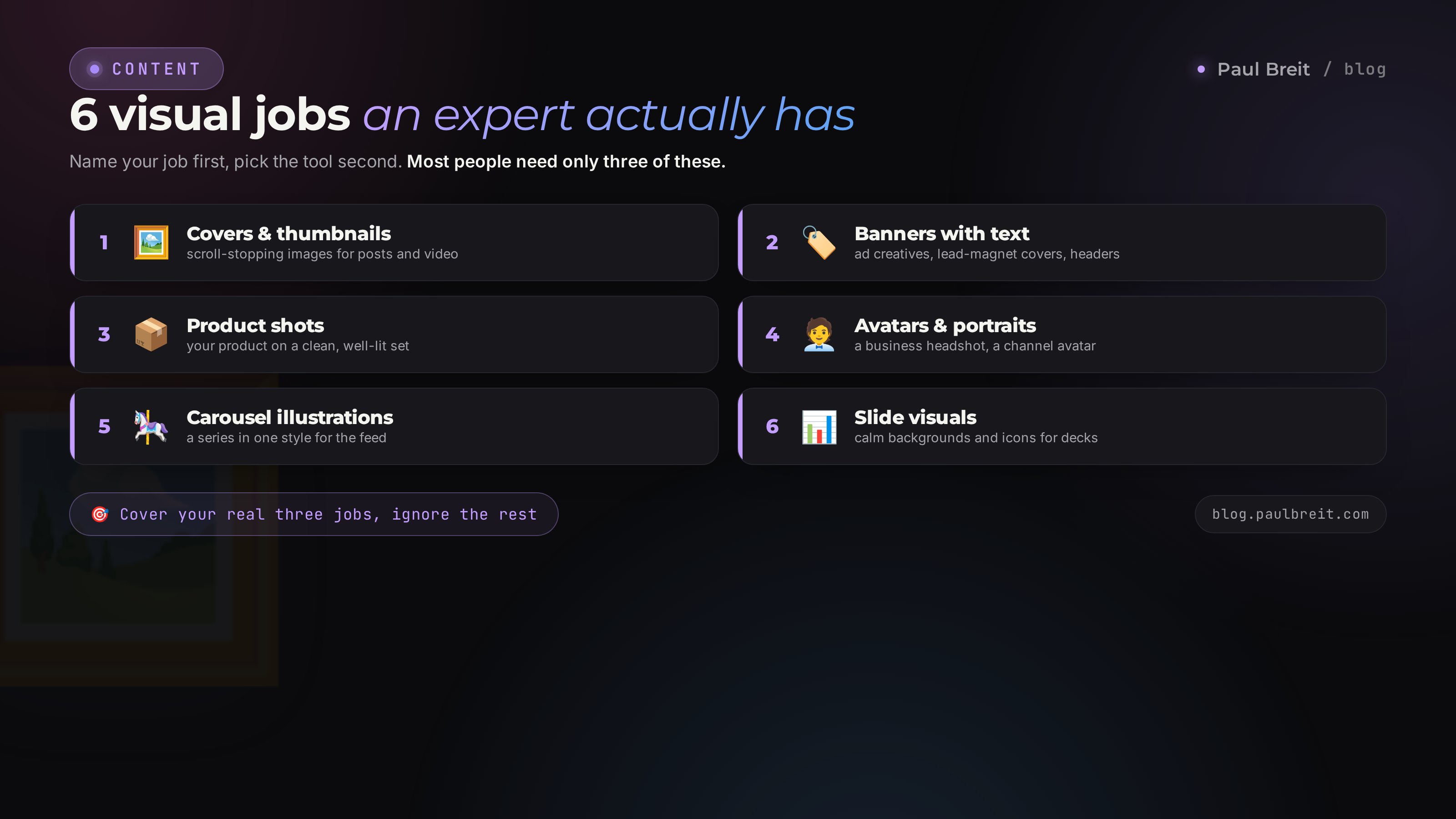
Before you pick a tool, answer one question: what are you actually drawing? If you sell services, courses, or consulting, you have exactly six image jobs. Let's go through each, because each has its own hero.
Covers and thumbnails for posts, reels, video
A bright image that stops the scroll. Emotion, contrast, a big subject matter here. Sometimes a face, sometimes a metaphor-object. The text usually goes on separately, so it stays crisp and readable.
Banners and posters with a headline
An ad banner, a lead-magnet cover, an article header, a title slide. Here the text is part of the picture, and it has to be free of typos and artifacts. This is a separate class of task, and not every generator can handle it.
Product and object shots
Your product on a nice background, a book or course mockup, a box, a bottle, a mug with your merch. This used to mean a studio and a photographer. Now it's a prompt and ten minutes. This needs clean "photographic-ness" and the right light.
Avatars and portraits
Your photo in a business style for the site, a channel avatar, a portrait in the right mood. A separate story is an avatar from your own photos, where the model is trained on your shots and then draws you anywhere. That takes models that hold a face.
Illustrations for posts and carousels
A series in one style for an Instagram carousel or for Threads, metaphor illustrations for the text, emoji-style, flat graphics. The key here is a single look across the whole series, so the feed reads like one piece of work. How to put this on a pipeline, I covered in the piece on AI carousels.
Images for presentations and slides
Backgrounds, illustration-icons, a deck cover, dividers. Here the image works alongside the slide's text, so you more often want a calm background without extra noise, not a riot of color.
Write down which of the six jobs you actually have. For most people it's covers, banners, and product shots – three of them. You don't need to master ten tools. You need to cover your three jobs with two or three services and forget the rest.
Section 03The lineup: who's built for what
Now the heroes. I'll go through each one: where it's strong, where it's weak, who it suits. No ads, straight talk, the way I'd tell you over coffee.
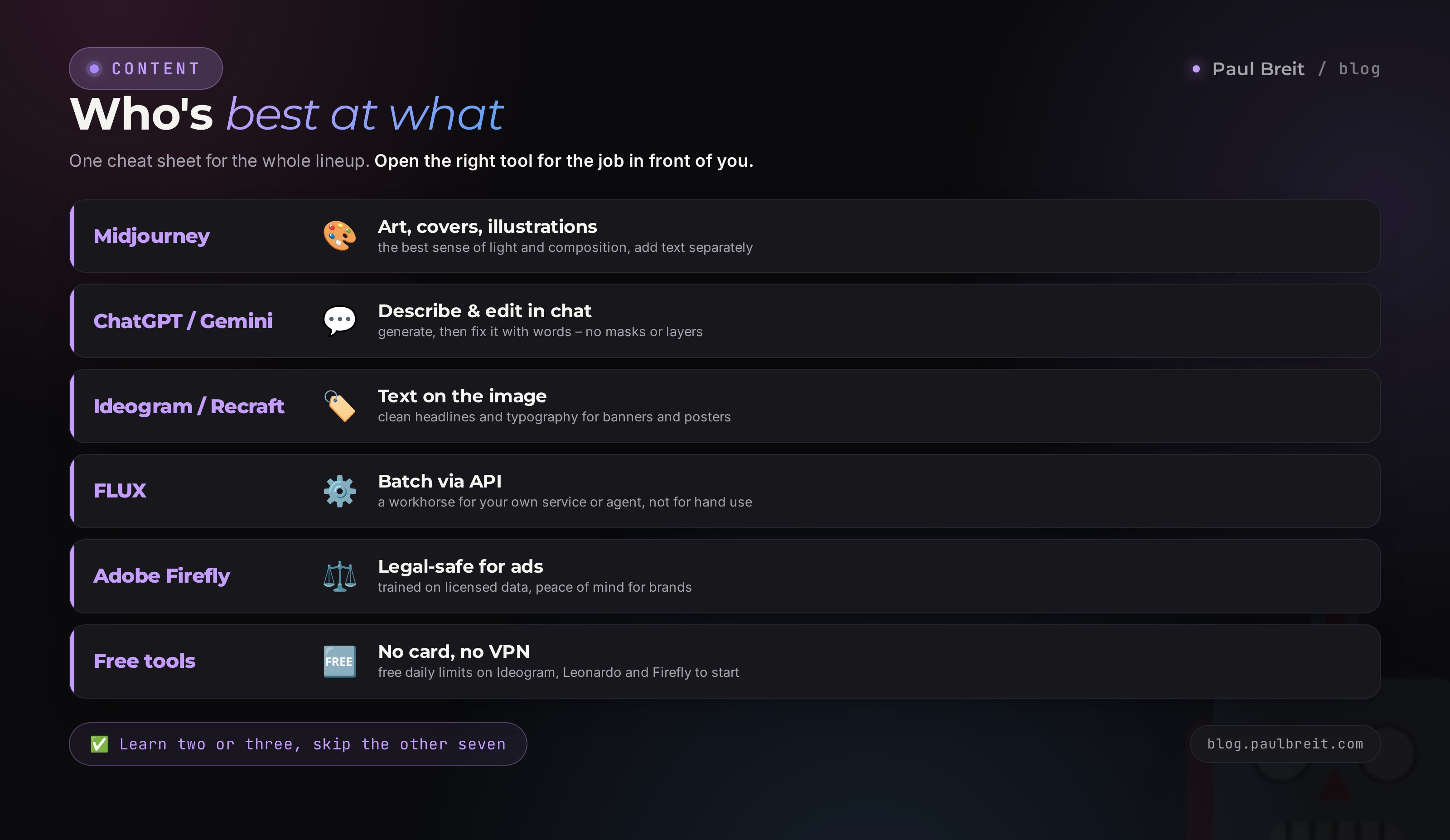
Midjourney – king of art and covers
If you need a beautiful, atmospheric, painterly image, Midjourney is still ahead on taste. It has the nicest "sense of light" and composition; the pictures beg to be looked at. It nails covers, metaphor illustrations, backgrounds, characters. It works through the web and Discord, with modes for edits and re-drawing regions.
Where it stalls: it draws exact text on an image poorly, so put a banner headline on separately. And it likes to "over-decorate," so a strict product shot sometimes comes out too dressed up. It starts at $10 a month, with no free tier.
ChatGPT (image generation) – the all-rounder in chat
Its main strength is that you talk to it like a person. Draw this; now remove the mug; now warm up the background; now add my logo here. It follows the thread of the conversation and edits the picture in words, with no masks or layers. It has noticeably improved text on images and holds product scenes well. Perfect when you need something fast and fuss-free, right in the same window where you already write your copy.
Where it's weaker: on pure artistic beauty it sometimes trails Midjourney, and under heavy load it can get lazy in the details. It runs on the paid ChatGPT Plus plan ($20 a month); the free tier exists but with a hard cap.
Google Gemini (generation and edits) – strong editor
The second all-rounder in chat, and it's especially good at editing a finished image: swap an object, extend a background, tuck your product neatly into the frame. It reads images on input, so it's handy to hand it a reference and ask for "the same vibe." It handles text well. There's free access with a limit, and a paid plan that expands it.
FLUX – the engine for batch and your own services
This is a model for volume. When you need images by the dozen, assembled through your own script or service, and drawing them one by one by hand is already too slow. It gives a very clean, realistic image and holds anatomy well. On its own it has no pretty interface – you plug it in over an API. If you're building, say, an automatic feed of article covers, FLUX is the workhorse. A regular expert has no use for it by hand. Your AI agent, though, will. I wrote about wiring up setups like this in the roundup of the best AI tools of 2026.
Ideogram – champion of text on an image
Here's who you need for banners and posters. Ideogram is built around one superpower: it writes text on an image cleanly, without mush or typos, including neat typography. A headline for a lead-magnet cover, copy on an ad banner, a quote over a background – this is its job. There's a free daily limit; the paid plan removes the caps.
Recraft – the designer's tool for brand work
Recraft is tuned for design: vector illustrations, icons, logo drafts, banners with text, one consistent brand style across a series. It can hold your palette and style from image to image, which is priceless for a brand. If you need systematic visuals across a series rather than one random picture, take a look at it.
Leonardo – flexibility and control
Leonardo is loved by people who want to turn the knobs: their own trained styles, pose and composition control, fine-tuning for games, products, concepts. The entry bar is a bit higher, but you get more control. There's a free daily limit.
Adobe Firefly – the legally clean option for business
Firefly's headline feature is that it was trained on licensed and Adobe's own data. For a company that's insurance: you can run the images in ads without fear of copyright claims. It's built into Photoshop and handy for edits. On wild creativity it trails Midjourney, but where legal cleanliness matters, that's a serious plus.
Free tiers and local models – no card required
You don't have to pay to start. Ideogram, Leonardo, and Adobe Firefly all give you a free daily limit, and ChatGPT draws images on its free tier too. If you want something fully offline and unlimited, open models like Stable Diffusion run right on your own machine – no subscription, no data leaving your computer. For social posts, covers, and illustrations, the free path already gets you a long way. I go through the whole free arsenal in a separate breakdown of free AI tools 2026.
Summary table
| Tool | Strong suit | Best for | Money |
|---|---|---|---|
| Midjourney | Artistic beauty, light | Covers, illustrations, backgrounds | from $10/mo |
| ChatGPT | Word-based edits in chat | Fast all-rounder, product shots | $20/mo, free tier |
| Gemini | Image editing | Swapping objects, extending scenes | free tier |
| FLUX | Batch by API, realism | Auto-generation in your own service | API pricing |
| Ideogram | Text on the image | Banners, posters, lead-magnet covers | free daily limit |
| Recraft | Brand style, vector | Icons, identity, series | free daily limit |
| Leonardo | Control and settings | Concepts, products, poses | free daily limit |
| Firefly | Legal cleanliness | Ads, business, Photoshop | Adobe subscription |
| Free tiers / Stable Diffusion | Free, offline, local | Social, covers, illustrations | free |
Section 04A 2-minute way to choose
Don't feel like reading comparisons? Here's the short algorithm. Answer one question and go to the right tool.
- Need a beautiful cover or illustration with no text? Midjourney. For a fast free start – a free tier or a local model.
- Need a banner or poster where text is part of the image? Ideogram or Recraft.
- Need it fast with word-based edits, right in the chat? ChatGPT or Gemini.
- Need to touch up a finished photo, remove or swap an object? Gemini or ChatGPT; for fine work, Photoshop with Firefly.
- Need a product shot on a clean background? ChatGPT or Leonardo, finish in Firefly.
- Need a stream of images from your own service or bot? FLUX via API.
- Need legal cleanliness for brand advertising? Adobe Firefly.
- No budget? Free tiers of Ideogram and Leonardo, or a local Stable Diffusion.
If you get lost choosing between tools for any AI task, not just images, I have a separate 5-minute way to pick an AI. It works on the same principle: task first, tool second.
Section 05How to write a prompt for an image
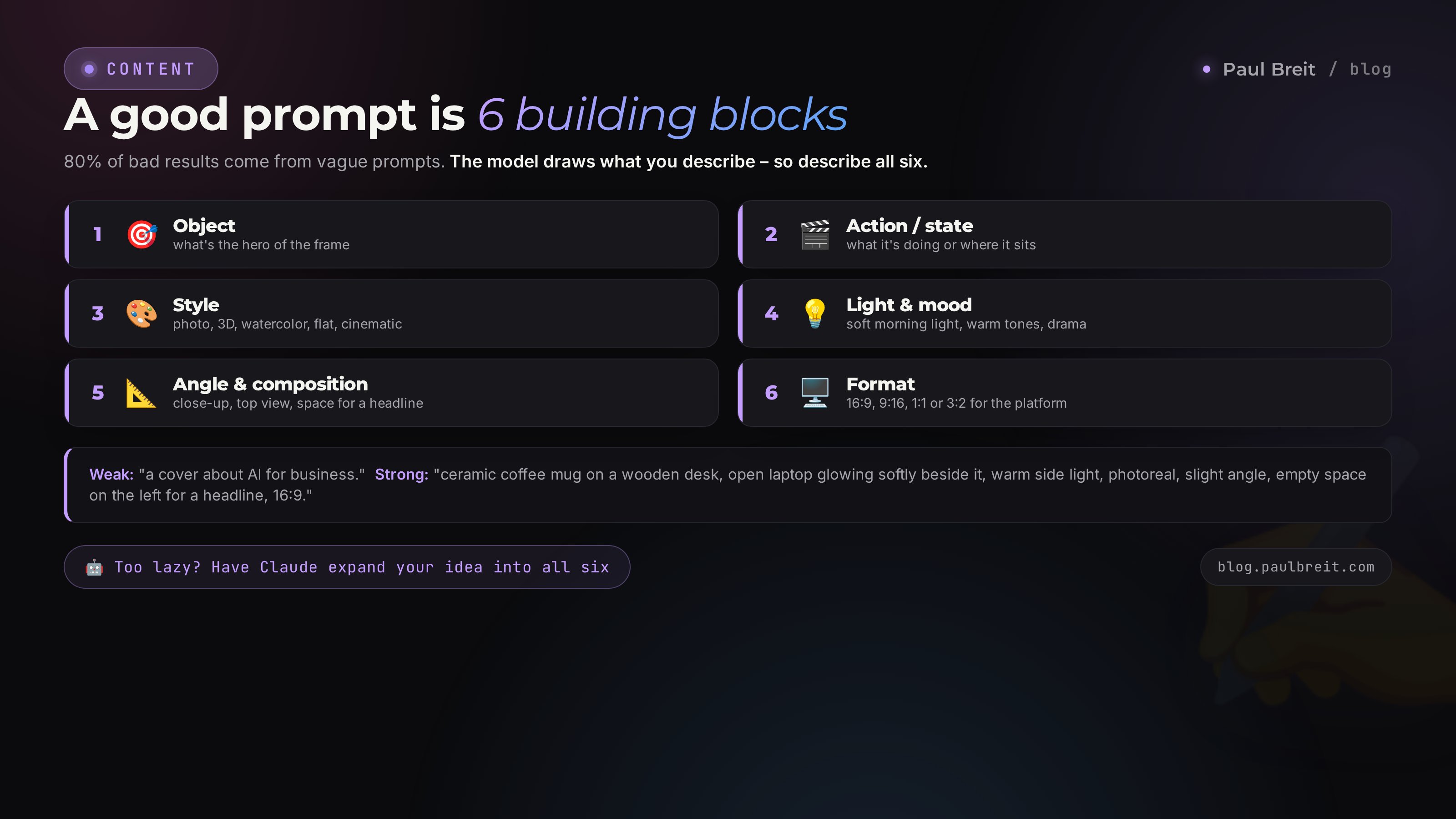
This is where 80% of failures hide. Someone writes "a beautiful cover about success" and wonders why it came out tasteless. The model doesn't read minds. What you described is what it drew. A good image prompt is built from six blocks.
The 6-part formula
- Object. What's the hero of the frame. A mug, a person, a book, a laptop, an abstract scene.
- Action or state. What's happening. The mug sits on the desk, steam rising; the person looks out the window.
- Style. Photo, 3D render, watercolor, flat illustration, cinematic frame, minimalism.
- Light and mood. Soft morning light, dramatic shadow, warm tones, cold neon, cozy.
- Angle and composition. Close-up, top view, object on the left with room for text on the right, symmetry.
- Format. The aspect ratio for the job: 16:9 for a video cover, 9:16 for stories, 1:1 for an avatar, 3:2 for a banner.
Weak prompt: "a cover about AI for business."
Strong prompt: "A ceramic coffee mug on a wooden desk, an open laptop with a soft glowing screen beside it, morning side light from a window, warm beige tones, photorealism, side view at a slight angle, empty space on the left for a headline, 16:9 format." The difference in the output is huge.
Let Claude write the prompt
If spelling out six points yourself feels like a chore, there's a move: ask a text model to build the prompt for you. Open claude.ai, give it a short idea, and ask it to expand it into a detailed description for an image generator. Claude holds structure well and adds details you wouldn't have thought of: the type of lighting, the material, the mood. Then you paste the finished prompt into Midjourney or ChatGPT. How to phrase requests like this, I break down in the piece on how to write prompts – it's the same logic as for images.
If some of these tools are geoblocked where you live, Claude opens through a VPN set to an EU or US location. Turkey and the UAE won't do – they're on Anthropic's blocklist.
Negatives and refinements
Many generators understand what you do NOT want to see. Drop the extra hands, no text in the frame, no people in the background, no neon glow. In Midjourney you do it with a parameter; in chat models, just in words. If the picture comes out "too digital" or with acid colors, add to the description which effects should not appear. This alone saves you from that sci-fi film that creeps into every other tech generation.
Section 06Fixing the mess: hands, text, faces, plastic
Even a good model misfires. Let's go through the typical ailments and how to treat them, so you don't throw out an almost-finished image over one detail.
Crooked hands and extra fingers
A classic of years past, rarer now but still around. The cure: regenerate the frame two or three times – hands often come out differently. If the picture is otherwise perfect and only the fingers are to blame, open a masked edit (inpainting) and redraw just the hand. In chat models, simply say: fix the left hand, there's an extra finger. And hide hands in the composition – in pockets, behind the back, behind an object. No hand in frame, no problem.
Mush instead of text
If the headline matters and came out crooked, you have three routes. First – grab a generator that can do text: Ideogram, Recraft, recent ChatGPT and Gemini. Second – generate the image without the text, leaving empty space, and add the text in an editor or Canva. That's what most designers do, because there you control the font and kerning. Third – for tricky headlines it's almost always safer to add the text by hand, so you control the type exactly.
Plastic faces and dead eyes
The portrait came out like a face-cream ad, too smooth and unreal. Add words about texture to the prompt: natural skin, light wrinkles, film grain, imperfections. Drop words like "perfect" and "flawless" – they're what drag it into plastic. Ask for a specific type of light instead of flat studio lighting – side, window, sunset. Living light brings a face to life.
A mismatched series
You're making a carousel or a set of covers, and the images look like they come from different universes. Lock the style description into one block and paste it word for word into every prompt: the same palette, the same shot type, the same background. In Midjourney a style reference helps; in ChatGPT and Gemini, an uploaded reference image. On how I hold one look across a batch, there's a separate breakdown on carousels.
Sci-fi where nobody asked for it
Write "AI" or "technology" and the model slaps on glowing circuit boards, blue beams, and a brain made of wires. It looks cheap and identical to everyone else's. The cure is a direct ban in the prompt: no neon, no glowing lines, no boards or holograms, a warm living scene instead of cyberpunk. I've nailed this rule down for good: into every tech prompt I add a block of what NOT to draw.
Don't regenerate the whole image over one detail. If the frame is 90% good, fix it locally: with a mask, with words in chat, or in an editor. A full regeneration is a lottery – you can lose a great composition just to fix one finger.
Section 07What to forget in 2026
Half the advice from guides two years old only gets in your way today. Here's what you can safely throw out of your head.
- Forget the long walls of a thousand comma-separated tags. People used to write prompts like a spell: forty modifiers, "8k," "trending on artstation," "masterpiece." Modern models understand human language. Describe the picture in normal words, the way you'd explain it to a photographer.
- Forget chasing photorealism for its own sake. Realism has been available to everyone for a while and stopped impressing anyone. The idea and the emotion of a frame sell, not the number of skin pores. Sometimes a simple flat illustration hooks harder than another hyperreal photo.
- Forget the seed lottery. People used to sift through hundreds of random generations hoping to catch a good one. Today it's faster to describe exactly what you need and fix it with words. Control beat chance.
- Forget the idea that AI will invent your brand. It'll draw anything, but the brand style, palette, and character are set by you. Without your decision, the output is average prettiness, same as everyone else's.
- Forget refusing to use text models for banners. A year ago "AI can't do text" was true. Now Ideogram and Recraft write cleanly. If you still glue on every headline by hand out of principle, you're wasting time.
- Forget stock-photo watermarks. Dragging in a watermarked image and smudging it out is last century and a risk. Generate your own in a minute and sleep easy.
Winning used to go to whoever knew the secret tags and sifted variants for hours. In 2026 it goes to whoever thinks clearly and phrases clearly. The tool got simpler, and the weight moved from technical tricks to your head and your taste.
Section 08Access and payment when a tool is blocked
A sore point, so let me lay it out. In the US and EU these tools just work: open the site, pay with your card, draw. If you're outside the US and EU, and some of them are geoblocked where you live, here's the lay of the land. Everything splits into three groups by availability.
Work anywhere, free
Free tiers and open models. Ideogram, Leonardo, and Firefly give you a free daily quota; ChatGPT draws on the free tier; and open models like Stable Diffusion run locally with no account and no region checks at all. That's your baseline free entry point if you don't want to set anything up. The quality is already good for social and covers.
Need a VPN and international payment
Midjourney, ChatGPT, Gemini, Ideogram, Leonardo, Firefly. To get in, raise a VPN with an EU or US location. For the subscription – an international card or a reputable payment intermediary that pays the subscription for you. Turkey and the UAE are on the blocklist for some services, including Anthropic for Claude, so don't pick those locations.
Only through an API and a developer
FLUX and engines like it. A regular expert doesn't use them by hand – they're plugged in by whoever builds your automation: cover generation, images in a bot, a scheduled feed. If you've reached this level, you've outgrown this guide and it's time to build an AI agent.
Don't set up payment through shady off-the-books services and don't hand your card details to the first "we'll pay your subscription cheap" channel you find. You risk losing both your money and your access. Either your own international card or a proven intermediary with a reputation. On the free tiers of Ideogram, Leonardo, and a local Stable Diffusion, you can cover most jobs with no spend at all.
Section 09Rights: can you sell them and run ads
Short and to the point, because the fear here is bigger than the reality.
- Commercial use. On paid plans of Midjourney, ChatGPT, FLUX, Ideogram, and Firefly, images can be used in business: ads, a site, products, resale. Terms differ by service and change now and then, so check their rules every six months.
- Legal insurance. If you're a big brand and afraid of lawsuits, Adobe Firefly gives you the most peace of mind – it was trained on licensed data, and Adobe backs business customers against claims.
- Other people's faces and logos. Don't generate recognizable celebrities, other brands' trademarks, or protected characters for commercial use. That's not about AI, that's plain copyright.
- Labeling AI content. The practice of marking generated images is growing; some services embed an invisible C2PA tag. On a number of ad platforms you'll soon be asked to disclose that the visual is AI-made. Keep an eye on it – the rules change every year.
Otherwise – draw and use it. For the vast majority of people making covers and banners for their own content, there are no legal problems at all. I touched on rights to AI content and protecting your own material in the piece on writing with AI – it's the same logic of responsibility for what you publish.
Section 10The choosing checklist
Print it or save it. Go top to bottom, open the right tool for your real job, no flailing.
- Named the job from the six: cover, banner with text, product shot, avatar, illustration series, or slide.
- Picked the tool by the scheme: art – Midjourney, text – Ideogram or Recraft, chat edits – ChatGPT or Gemini, batch – FLUX.
- Settled access: free via a free tier or local model, paid tools via a VPN and payment if they're blocked where you are.
- Built the prompt from 6 parts: object, action, style, light, angle, format. Too lazy – through Claude.
- Set the format for the platform: 16:9, 9:16, 1:1, or 3:2.
- Checked the mess: hands, text, face. Fix locally, don't regenerate everything.
- Cleared the sci-fi junk with a direct ban in the prompt, if the topic is tech.
- Checked the rights for commercial use, if the image goes into ads.
An AI image generator works like a set of tools for different jobs, not like a single "make it pretty" button. Learn two or three for your real tasks, get good at describing an image in words, and you'll only need a staff designer for complex projects. Everything else you'll cover yourself in minutes.
How this connects to other pieces
An image is half the content; the other half is text. How to get AI to write for you is covered in the piece on how to teach AI to write in your voice. Where to plug finished images in at scale – in the breakdown on carousels. And if you're only just picking where to start with AI, look into free AI tools 2026. Three pieces, one system for working with content.
📌 The whole path in a minute
- Name the job: cover, banner with text, product shot, avatar, series, or slide.
- For art use Midjourney, for text on an image Ideogram or Recraft, for word-based edits ChatGPT or Gemini, for batch FLUX.
- Free tiers of Ideogram, Leonardo and Firefly plus a local Stable Diffusion cover a lot for free. Paid tools need a VPN and payment where they're blocked.
- Build the prompt from six blocks: object, action, style, light, angle, format. Lazy? Ask Claude.
- Fix crooked hands and text locally; complex headlines are safer added in an editor.
- Throw out tag walls, the seed lottery, and chasing realism for realism's sake.
FAQFrequently asked questions
Which AI image generator is best in 2026?
There's no single best one; you choose by task. For artistic illustrations and covers – Midjourney. For an image from a description right in the chat and word-based edits – ChatGPT and Gemini. For banners and posters with clean text – Ideogram and Recraft. For a stream of images through your own service – FLUX via API. Free tiers of Ideogram, Leonardo and Firefly, plus open models like Stable Diffusion run locally, cover a lot at no cost.
Are there free AI image generators?
Yes. Ideogram, Leonardo and Adobe Firefly all have a free daily limit. ChatGPT draws images on the free tier too, with a cap on volume. And open models like Stable Diffusion run for free on your own machine, with no account and no data leaving your computer.
How do I get access to Midjourney and ChatGPT if they're blocked in my region?
You need a VPN with an EU or US location and a way to pay for a foreign subscription: your own international card or a reputable payment intermediary. Turkey and the UAE are on the blocklist for some services, including Anthropic for Claude, so don't choose those locations.
Why does AI draw hands and text on an image so badly?
The model predicts pixels from examples, and fingers and letters are small repetitive geometry where it's easy to slip. In 2026 almost all top models fix hands, but only Ideogram, Recraft and recent versions of ChatGPT and Gemini handle text confidently. For a complex headline it's easier to leave space in the layout and add the text in an editor.
Can I use generated images in ads and sell them?
On paid plans of Midjourney, ChatGPT, FLUX, Ideogram and Adobe Firefly, commercial use is allowed. Firefly is trained on licensed data and gives businesses legal insurance. Check the current terms of the service and don't use other people's recognizable faces, logos, or characters.
Which AI writes text on an image without mistakes?
Ideogram and Recraft hold headlines and typography best – they were built for posters and banners. Recent ChatGPT and Gemini do well. Midjourney draws text more weakly; for it, the headline is added separately in an editor.
How do I make a series of images in one style?
Lock the style description once and paste it into every prompt: palette, light, shot type, background. In Midjourney a style reference and fixed parameters help; in ChatGPT and Gemini, an uploaded reference image. For a series of banners, many keep a ready template and change only the object and the headline.